
Find Backlinks Using Google: Free Search Operators (2026)
Learn how to find backlinks using Google for free. Use Google Search Console for your site, plus practical Google search operators to discover linking pages and opportunities.
Want to find backlinks using Google without paying for Ahrefs or Semrush?
You can get useful backlink signals for free with two approaches:
- Google Search Console (GSC) — best for your own site (most accurate).
- Google search operators — best for any site (imperfect, but practical).
This guide shows both, plus a safe workflow to turn what you find into action.
Want a curated list (and a trackable workflow)?
If you prefer a vetted list + a simple tracker, start here:
What Google can (and can’t) show you
Google does not provide a public “backlinks for any domain” report anymore.
So here’s the reality:
- For your site: GSC is the closest thing to “source of truth”.
- For other sites: operators can reveal linking pages, but:
- results are incomplete,
- some results are “mentions” (not links),
- duplicates and noise are common.
That’s still enough for:
- quick competitive research,
- finding outreach targets,
- validating whether a link got indexed.
Method 1: Use Google Search Console (your site)
If you control the site, do this first:
- Open Google Search Console → Links
- Check:
- Top linking sites
- Top linking text
- Top linked pages
Then use URL Inspection for:
- important landing pages,
- recently earned backlinks (to see if Google can fetch them).
Pro tip: track outcomes, not just “submissions”
For directory/profile submissions, the key is tracking approved / rejected / noindex. Otherwise you’ll repeat work and keep low-signal links.
Method 2: Find backlink pages with Google search operators
Operators won’t give you a clean backlink list, but they can reveal pages that likely link to a domain.
Operator set A: “domain mention” patterns (works most often)
Try these queries:
"example.com" -site:example.com"www.example.com" -site:example.com"Example Brand" "example.com" -site:example.com
Why it works: many pages include the URL in plain text, even if the link is nofollow or rendered.
Operator set B: intext / intitle / inurl (reduce noise)
Use:
intext:"example.com" -site:example.comintitle:"example.com" -site:example.cominurl:links "example.com" -site:example.com
Then narrow by topic:
intext:"example.com" "directory" -site:example.comintext:"example.com" "resources" -site:example.comintext:"example.com" "submit" -site:example.com
Operator set C: find list pages you can get into
These are useful for early-stage link building:
"submit your site" "directory""add your website" "directory""list your tool" "AI directory"
When you find good pages, add them to a tracker and treat it as a workflow (not a one-time hack).
What about the link: operator?
Historically, Google supported link:example.com. In practice, it’s unreliable and often doesn’t return meaningful results.
If you want free and repeatable results, use the operator sets above + GSC for your own site.
A safe workflow to turn results into backlinks
- Start small (20–50 targets)
- Filter aggressively (relevance + legitimacy)
- Submit manually
- Track outcomes (approved/rejected/noindex)
- Maintain quarterly (remove dead/noindex targets)
If you want to go deeper on directory submissions:
- Do directory submissions work? (decision guide)
- SEO directory submission software (risks + safer alternatives)
FAQ
Can I find all backlinks of a competitor using Google?
Not completely. You can discover many linking pages via operators, but it won’t be exhaustive or consistently reproducible like paid link indexes.
Why do I see “mentions” instead of links?
Some pages mention a domain as text, or links are rendered dynamically. Operators also surface scraped content and duplicates.
What’s the fastest “free” approach?
For your own site: GSC. For any site: "domain.com" -site:domain.com plus intext: refinements.
What should I do after I find link opportunities?
Turn it into a process: submit or outreach, then track outcomes. If you want a curated list and a checklist workflow:
Author

link: operator?A safe workflow to turn results into backlinksFAQCan I find all backlinks of a competitor using Google?Why do I see “mentions” instead of links?What’s the fastest “free” approach?What should I do after I find link opportunities?More Posts

The Rise of Affordable SEO Tools: Why Startups Are Ditching Expensive Alternatives
Deep dive into why premium SEO tools like Ahrefs are losing ground to budget-friendly options tailored for indie hackers and startups. Price comparisons, real user interviews, and tips for building a lean SEO strategy.
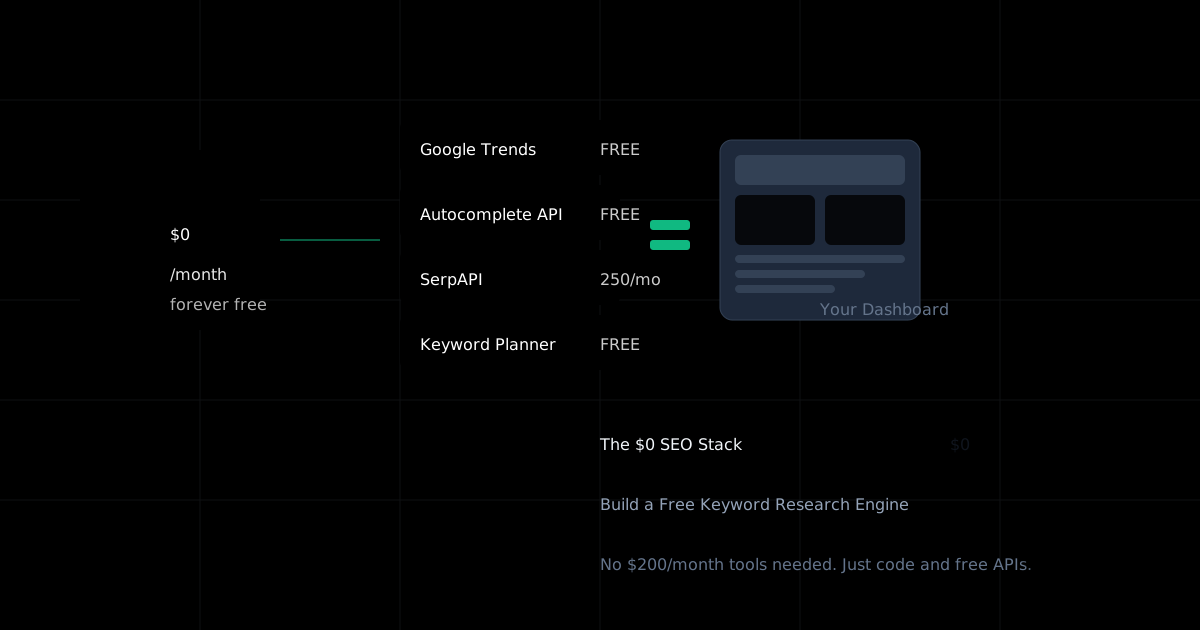
The $0 SEO Stack: Building a Free Keyword Research Engine
You don't need a $200/month SEO tool to start. Here's how I built a fully functional keyword research dashboard using only free resources—and how you can too.

How to Index Backlinks: Fast Indexing Strategies (2026)
Backlinks not showing up? Learn practical, white-hat ways to get backlinks indexed faster: technical checks, internal links, sitemaps, IndexNow, and what to avoid.
Stay Updated
Get the latest AI tools backlink opportunities delivered to your inbox
Join our newsletter to get weekly updates on new backlink opportunities and AI tool insights.