
How to Find Backlinks to Your Site: Complete Guide for 2026
Find backlinks to your site using free and paid tools. 7 proven methods including Google Search Console and competitor analysis.
Finding backlinks to your site isn't just about curiosity—it's about understanding your SEO foundation.
Whether you're auditing your link profile, identifying toxic links, or discovering new opportunities, knowing exactly who links to you is the first step to building a stronger online presence.
In this guide, I'll show you 7 proven methods to find backlinks, from free tools like Google Search Console to professional-grade analyzers. Plus, I'll share what to actually do with this data once you have it.
📊 Why Backlink Analysis Matters
Source: Semrush 2024 Ranking Factors Study
What Are Backlinks and Why Should You Track Them?
Backlinks (also called inbound links or incoming links) are links from other websites that point to your site. They act as "votes of confidence" that tell search engines your content is trustworthy and valuable.
But here's the thing: not all backlinks are created equal.
A single link from a high-authority site like Forbes or HubSpot can be worth more than hundreds of links from low-quality directories. That's why finding and analyzing your backlinks isn't just about counting—it's about understanding the quality of your link profile.
7 Ways to Find Backlinks to Your Site
Let me walk you through every method, from completely free options to professional tools.
1. Google Search Console (Free)
Google Search Console is the most reliable free tool for finding backlinks because the data comes directly from Google.
How to find backlinks in Google Search Console:
- Sign in to Google Search Console
- Select your property
- Click "Links" in the left sidebar
- Review the "Top linking sites" section
💡 Pro Tip
Export your data by clicking the download icon. This gives you a spreadsheet with all linking domains, top linked pages, and anchor text—perfect for deeper analysis.
What GSC shows you:
- Top linking sites — Domains that link to you most frequently
- Top linked pages — Your pages with the most backlinks
- Top linking text — Anchor text used in links to your site
Limitations: GSC doesn't show all backlinks (only a sample), and it lacks metrics like domain authority or spam scores.
2. Ahrefs Backlink Checker
Ahrefs has one of the largest backlink databases in the industry, with over 43 trillion known links.
Key features:
- Domain Rating (DR) metric
- Referring domains breakdown
- New and lost backlinks tracking
- Anchor text analysis
- Backlink growth over time
Their free version shows the top 100 backlinks to any site—useful for quick checks.
3. Semrush Backlink Analytics
Semrush offers comprehensive backlink analysis with additional context about your link profile's health.
What sets Semrush apart:
- Toxic link score identification
- Authority Score for each linking domain
- Backlink gap analysis (compare with competitors)
- Automated backlink audit reports
4. Moz Link Explorer
Moz pioneered the Domain Authority metric, which remains a widely-used benchmark for site quality.
Moz provides:
- Domain Authority (DA) scores
- Spam Score detection
- Linking domains analysis
- Anchor text breakdown
Their free version allows 10 queries per month.
5. Free Backlink Checker Tools
Several free tools can help you get started without any cost:
| Tool | Free Limits | Best For |
|---|---|---|
| Google Search Console | Unlimited (your sites only) | Official Google data |
| Ahrefs Free Checker | Top 100 backlinks | Quick competitor checks |
| Moz Link Explorer | 10 queries/month | DA/spam analysis |
| Ubersuggest | 3 searches/day | Beginners |
| SmallSEOTools | Unlimited basic checks | Simple overview |
6. Manual Google Search Operators
You can find backlinks using Google's search operators—completely free and surprisingly effective.
Search queries to try:
link:yoursite.com
"yoursite.com" -site:yoursite.com
"your brand name" -site:yoursite.com
The second query finds all pages mentioning your domain (excluding your own site). This can reveal:
- Unlinked brand mentions (outreach opportunities!)
- Forum discussions about your brand
- Reviews and comparisons
7. Check Your Competitors' Backlinks
One of the most valuable uses of backlink tools is analyzing where your competitors get their links.
How to do competitor backlink analysis:
- Identify 3-5 competitors ranking for your target keywords
- Run their domains through a backlink checker
- Look for patterns: guest posts, directories, resource pages
- Find sites that link to multiple competitors (likely to link to you too)
What to Do After Finding Your Backlinks
Finding backlinks is just the beginning. Here's how to turn that data into action:
1. Audit for Toxic Links
Look for backlinks from:
- Spammy or irrelevant sites
- Sites in foreign languages (if not your target market)
- Known link networks or PBNs
- Sites with excessive outbound links
If you find toxic links, consider using Google's Disavow Tool to tell Google to ignore them.
2. Identify Your Best Link Sources
Which sites send you the most valuable backlinks? These are your best opportunities for:
- Building deeper relationships
- Creating more content they'd want to link to
- Asking for additional links to new content
3. Find Unlinked Mentions
Search for your brand name without a link. These "unlinked mentions" are low-hanging fruit—the site already knows you exist, making outreach much easier.
4. Replicate Competitor Success
If a competitor got a link from a specific site, ask yourself:
- What content earned that link?
- Can I create something better?
- How did they approach the outreach?
🚀 Automate Your Backlink Discovery
Manually checking backlinks is time-consuming. Our free backlink tools help you discover, analyze, and track your link profile automatically.
Key Metrics to Track
When analyzing backlinks, focus on these metrics:
Domain Authority/Rating
Overall site authority on a 0-100 scale. Higher is better, but relevance matters more.
Referring Domains
Unique domains linking to you. More important than total backlink count.
Anchor Text Distribution
Natural profiles have varied anchors. Over-optimization can trigger penalties.
Topical Relevance
Links from sites in your niche carry more weight than random high-DA sites.
Spam Score
Flags potentially harmful links. High spam scores warrant investigation.
Link Velocity
Rate of new links over time. Sudden spikes can look unnatural to Google.
Common Questions About Finding Backlinks
How often should I check my backlinks?
For most sites, a monthly check is sufficient. If you're actively building links or running a campaign, check weekly to monitor progress.
Can I see all my backlinks for free?
Google Search Console shows a sample of your backlinks. For a complete picture, you'll need a paid tool like Ahrefs or Semrush. However, GSC is usually sufficient for most small to medium sites.
What's a good number of backlinks?
There's no magic number. According to recent studies, top-ranking pages have a median of just 13 backlinks. Quality and relevance matter far more than quantity.
Should I disavow low-quality backlinks?
Only disavow links if you've received a manual penalty or if you're certain the links are from a spammy network. Google is generally good at ignoring bad links automatically.
How long until new backlinks affect rankings?
Typically 2-3 months, though this varies. Google needs to discover, crawl, and index the linking page first.
Start Finding Your Backlinks Today
Understanding your backlink profile is fundamental to any SEO strategy. Here's your action plan:
- Start with Google Search Console — It's free and gives you official Google data
- Export and analyze — Look for patterns in your best-performing links
- Check competitors — Find opportunities they've discovered
- Build on success — Reach out to similar sites for new links
- Monitor regularly — Set a monthly reminder to review changes
The sites linking to you today are the foundation of your search visibility. Knowing who they are—and who could be linking to you—is the first step to building a stronger, more authoritative presence online.
Author

More Posts
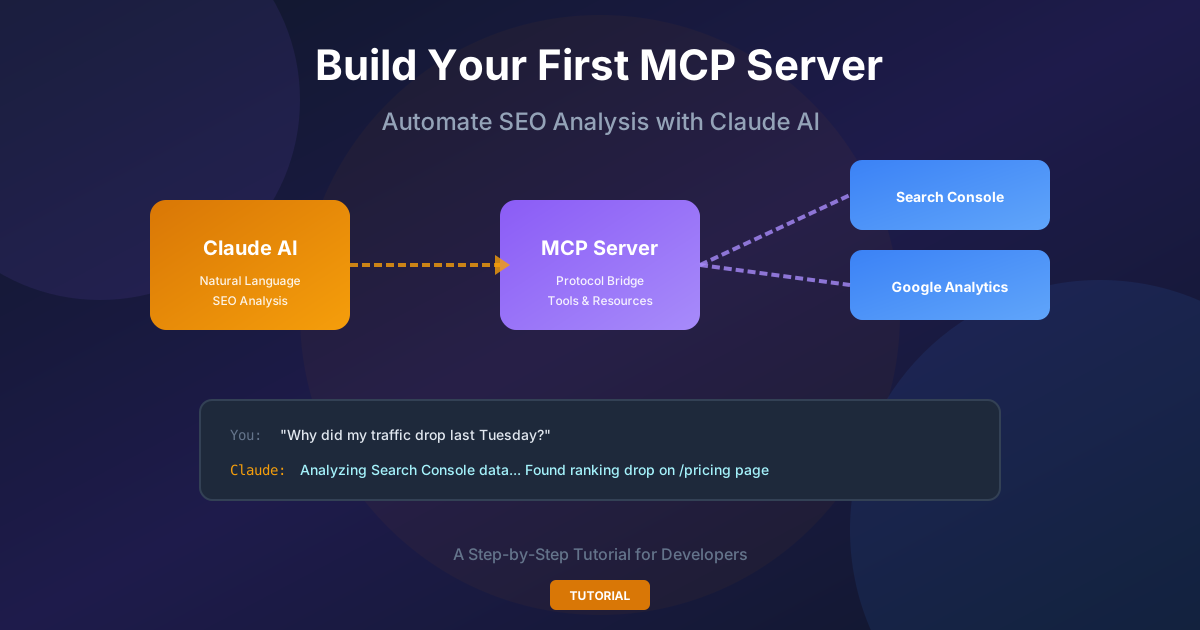
How to Build Your First Claude MCP Server to Automate SEO Analysis
A hands-on guide to building an MCP server that connects Claude to Google Search Console and GA4. Stop manually deciphering analytics charts—let AI answer questions like 'Why did my traffic drop last week?'

How to Get Backlinks: 20 Proven Strategies for 2026
Learn 20 proven strategies to get backlinks in 2026. From broken link building to digital PR, discover tactics top SEOs use.
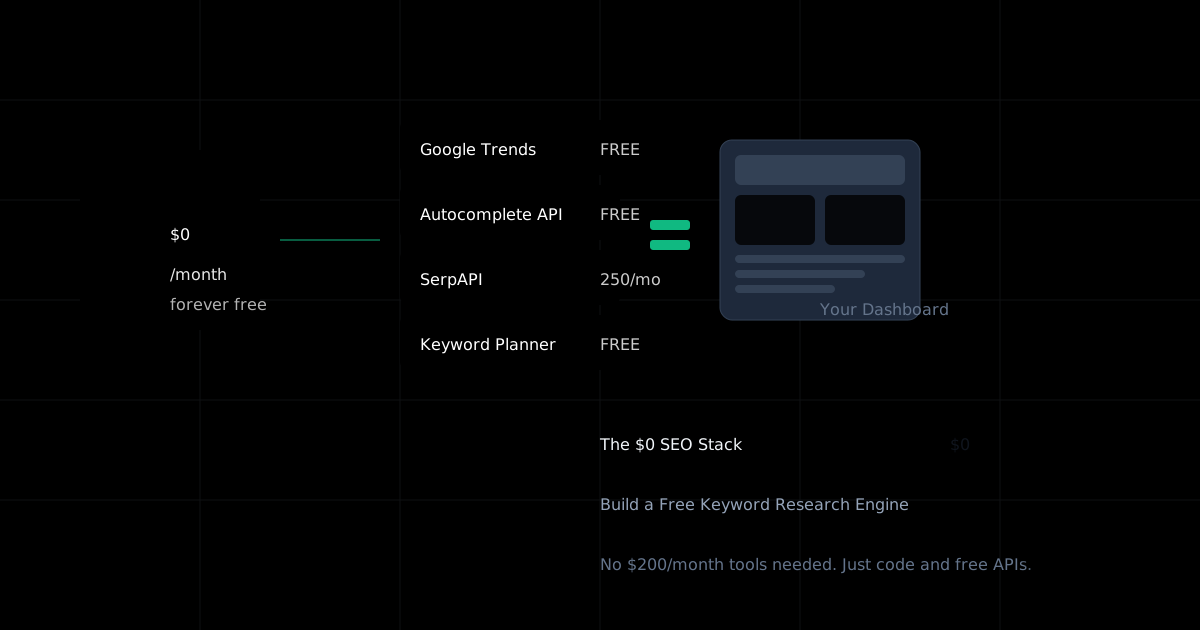
The $0 SEO Stack: Building a Free Keyword Research Engine
You don't need a $200/month SEO tool to start. Here's how I built a fully functional keyword research dashboard using only free resources—and how you can too.
Stay Updated
Get the latest AI tools backlink opportunities delivered to your inbox
Join our newsletter to get weekly updates on new backlink opportunities and AI tool insights.